
Documents
POD: proof of delivery
The basic POD is the photographic proof associated with the delivery, completed by the driver in the Mobile App.
Before you start
The POD is created by the driver in the Mobile App while completing the delivery. Make sure you are on the correct activity and that location and a connection are available.
How to do it
- Open the delivery activity in the Mobile App
- Add at least one photo
- Check the photos
- Use Complete delivery
- Allow location when requested
- Wait for the result
What happens next
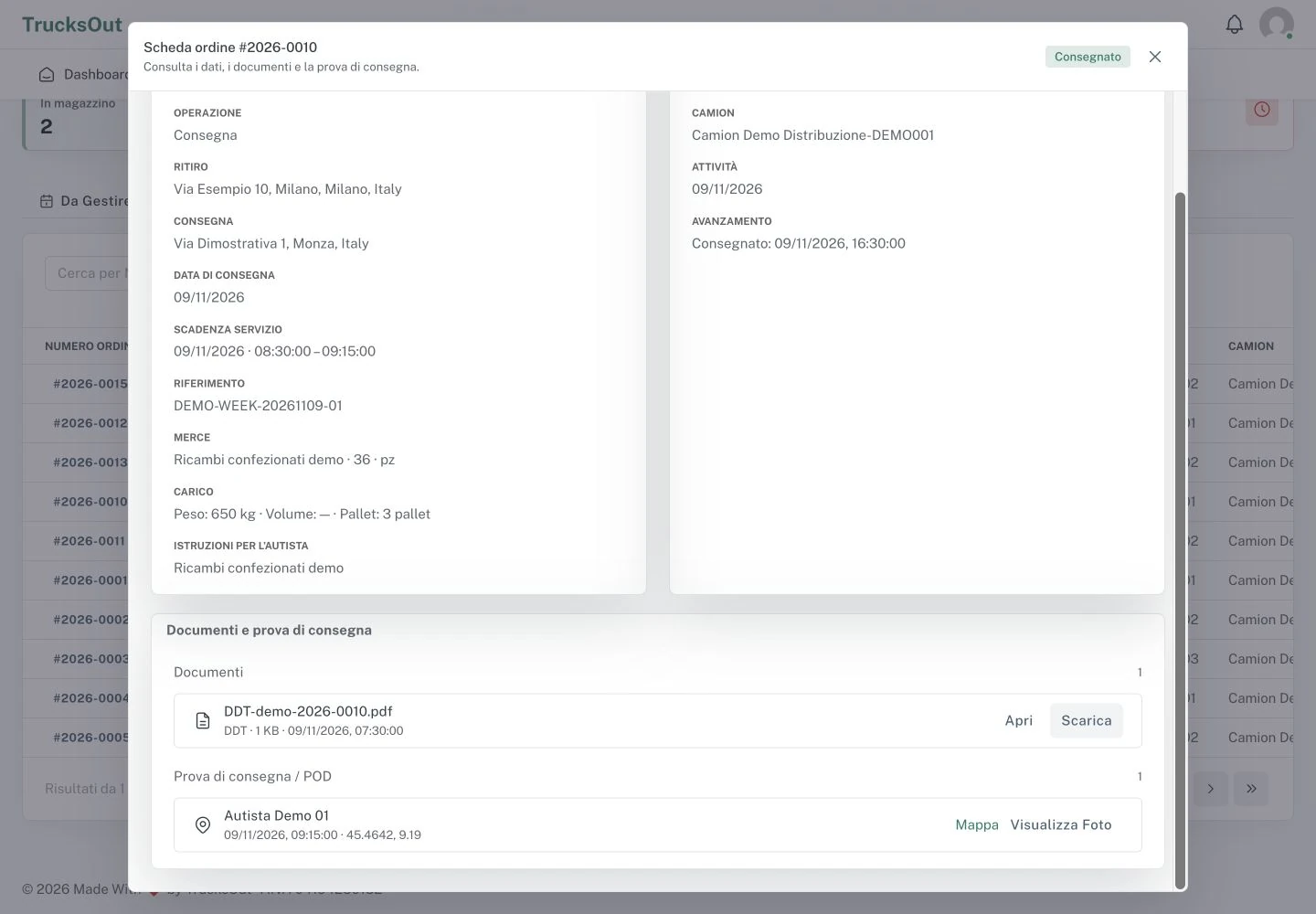
When delivery is completed successfully, the POD remains associated with the order and can be viewed from the Dashboard.
Good to know
If something does not work
If the POD does not complete, check that there is at least one photo, location is allowed, and a connection is available. If the problem continues, report the activity and displayed message to the dispatcher or support.
Last reviewed: