
Trip Plan
ETA Lite in Trip Plan
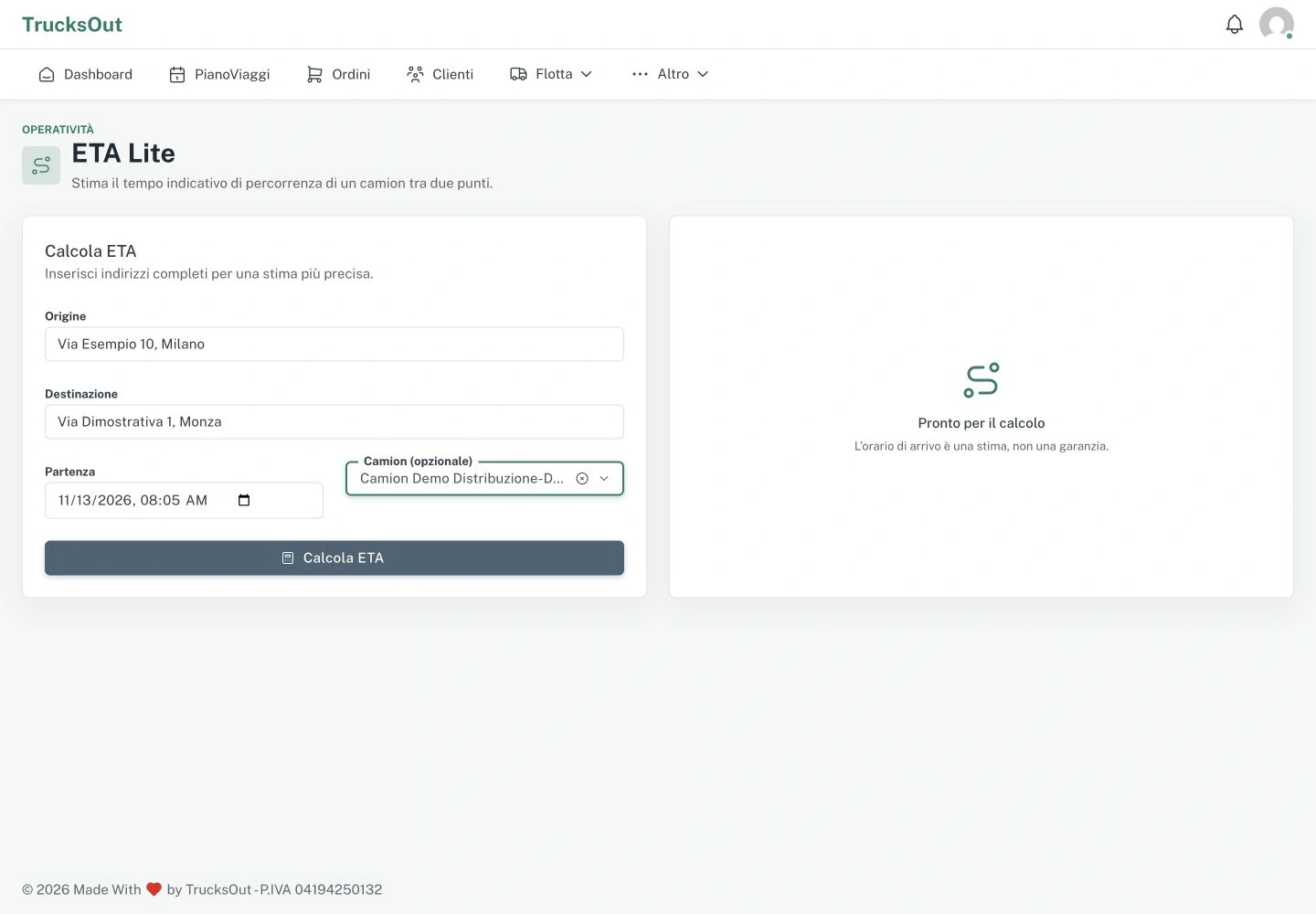
When enabled, ETA Lite shows the route, distance and estimated driving time for a trip.
Before you start
ETA Lite uses the activities already ordered in the plan. First complete the pickup and delivery sequence you want to assess.
How to do it
- Check that ETA Lite is enabled
- Complete the plan sequence
- Request the calculation using the available feature
- Read the distance and estimated time
- Use the information for an operational check
What happens next
Use the estimate to assess the plan, then decide whether to keep or change the sequence. Sending activities to drivers remains a separate action.
Good to know
If something does not work
Check that ETA Lite is enabled and that the plan contains complete activities. If the calculation is unavailable, tell support the plan date and the message shown.
Last reviewed: